Everything QuipJot
does for your reading.
Translate what you select or frame, practise saying it, and keep the words worth remembering.
01 Select text
Understand a sentence
without losing your place.
Highlight text as you always do. A small QuipJot icon appears beside it; click it and the translation opens right there. Copy it, hear it aloud, or save it to your wordbook. The rest of the page waits where you left it.
Translate · Copy · Listen · SaveMake sense of anything on the screen.

Text inside an image or video

02 Frame & translate
Some words can't be selected.
They can still be read.
Text in images, video frames, and app interfaces can't be highlighted, but it can still be read. Frame it and QuipJot recognizes it locally on your Mac, then copy the original or translate it in place.
03 Speaking coach
Say it out loud,
not just in your head.
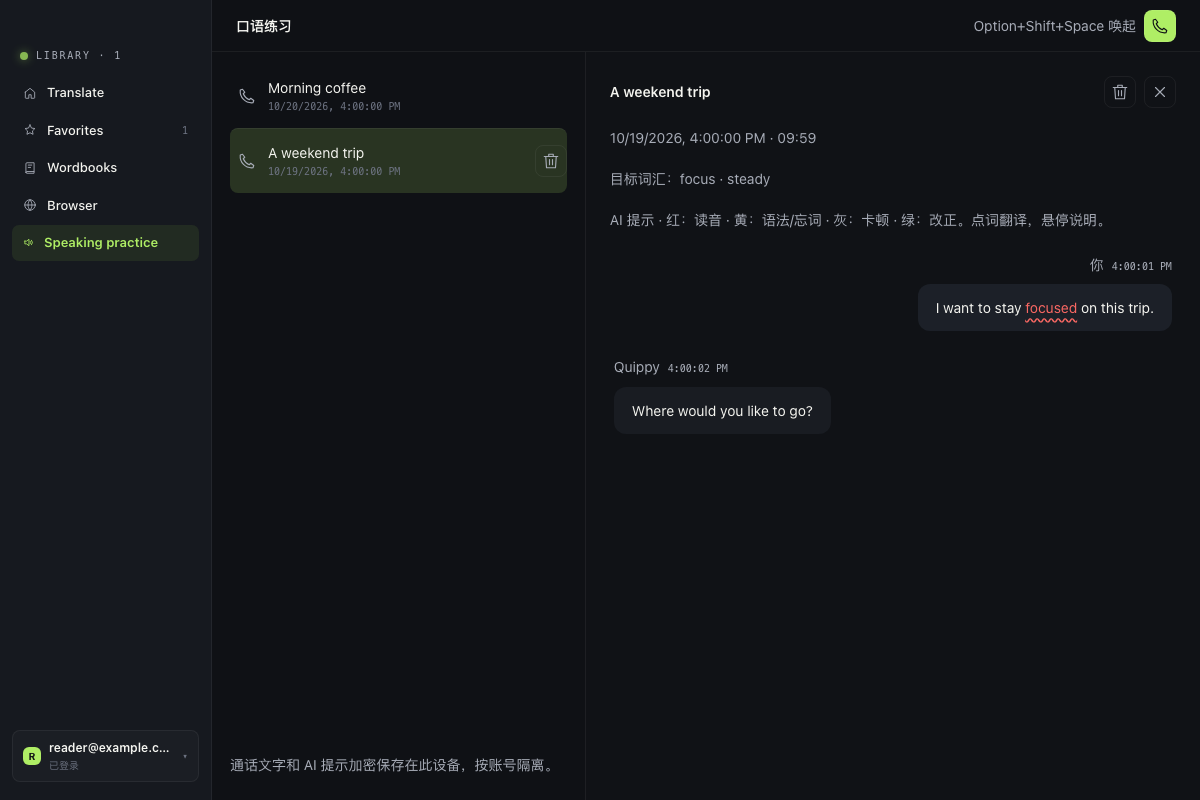
Call an AI coach in the language you are learning. It listens, answers, and helps you phrase things better, and every call is saved so you can reread it.
- Calls up to 25 minutes
- On every plan, 100 credits a minute
- Call history to reread and copy
04 Wordbook
Keep what you
looked up.
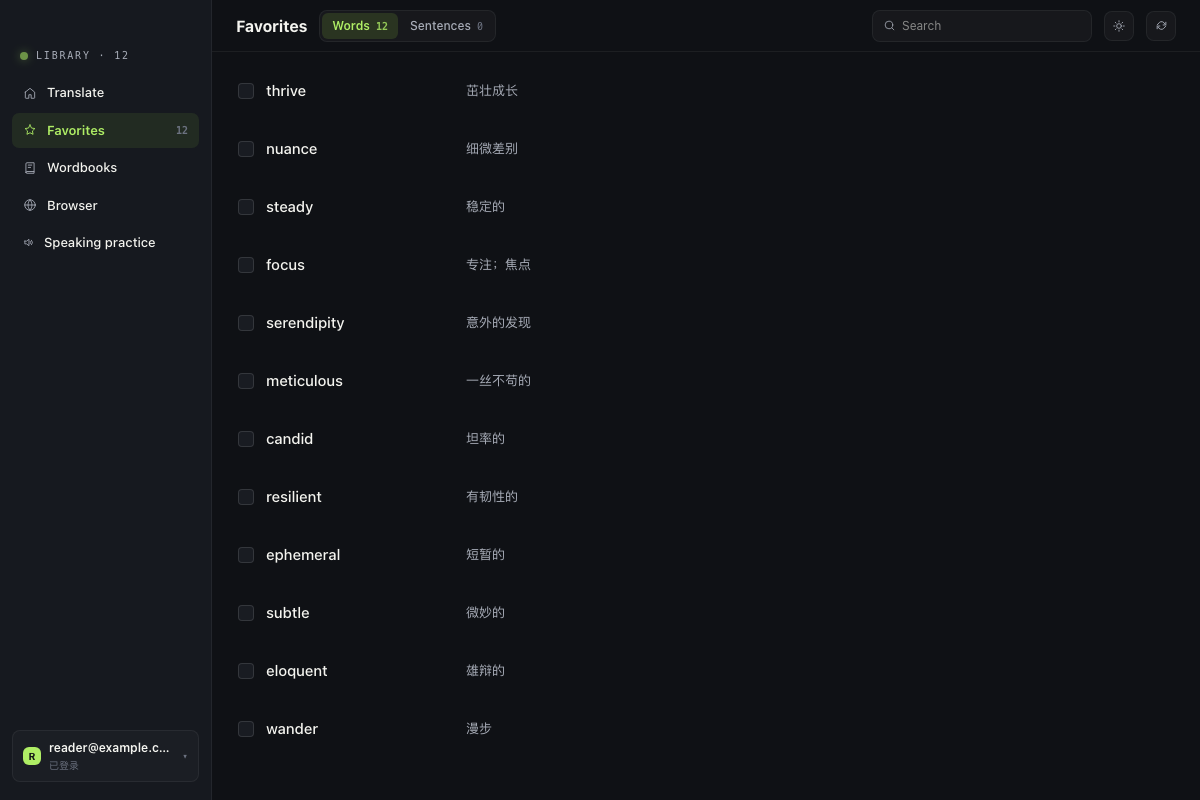
Save any word or sentence in one click. QuipJot sorts it into words, sentences, or articles, fills in an AI word entry, and keeps your library in sync with your account.
- Words, sentences, and articles sorted automatically
- Wordbooks for each language you study
- Search everything you saved
05 Mobile appComing soon
Review on your phone.
Coming soon.
The QuipJot mobile app is on its way. Review the words you saved on your Mac, translate with AI on the go, and share one plan and allowance across devices.
- Review saved words
- AI translation on the go
- One plan for Mac and phone