DESIGN & TECHNOLOGY
Tools should disappear into the work.
The best utilities do not ask us to leave what we are doing. They stay close, respond quickly, and help us make sense of anything on the screen.
Then they get out of the way.
一个工具,覆盖整个桌面
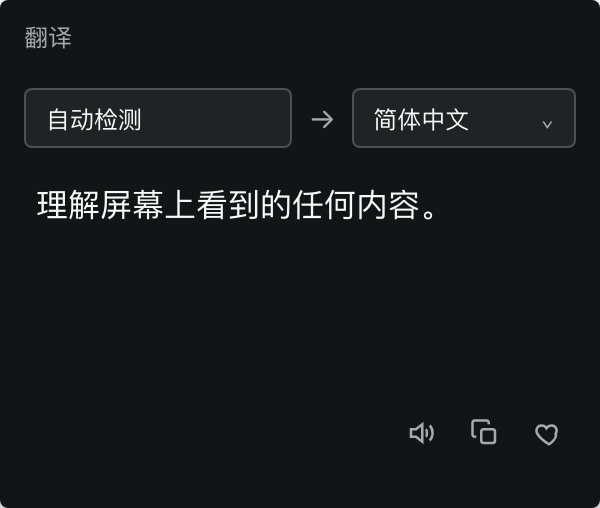
只要屏幕上看得到,QuipJot 就能帮你理解。
选中文字,真实的 QuipJot 工具条就在鼠标旁出现。翻译、收藏、复制,不切窗口。
Keep the tool close to the content, without breaking the current flow.

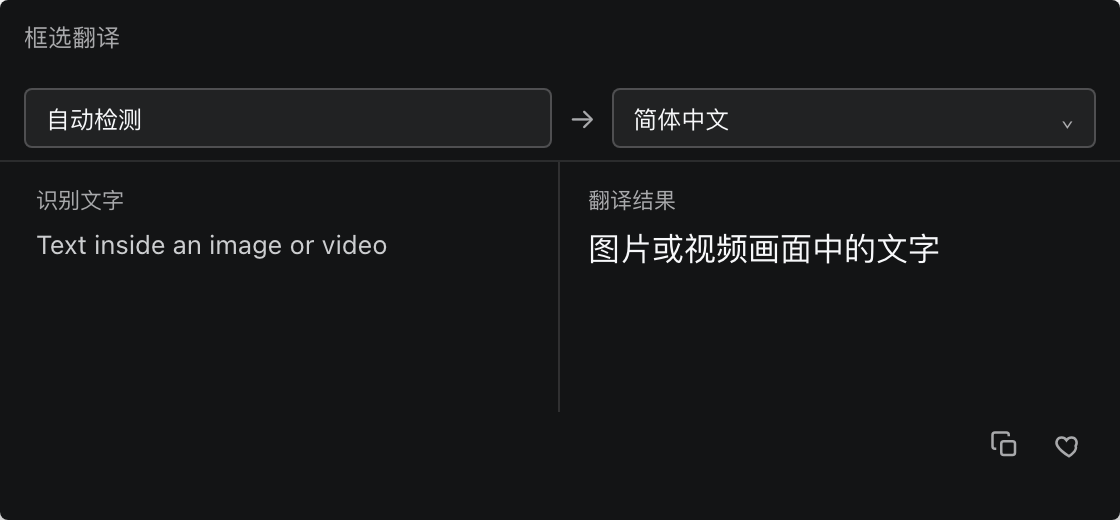
按 ⌥ Z,圈住图片、视频或应用界面。本机 Vision OCR 识别文字,QuipJot 原地翻译。
怎么用
首次启动时授予辅助功能权限。
在任意应用中正常划词,工具条自动出现。
结果显示在原处,需要时复制、朗读或收藏。
快捷键进入框选模式,拖出区域即可 OCR 翻译。
QuipJot for Mac